Point of sale · Stock · Invoices
Run your shop.
Keep the
faida.
Make a sale, check what’s on the shelf, and see who still owes you. Faida keeps your shop’s records on the computer at the counter, so you can carry on when the internet goes down.
Windows & macOS · Android tablets in early access

Through the trading day
The sale is only part of it.
There are deliveries to check, invoices to follow up, and stock to count.
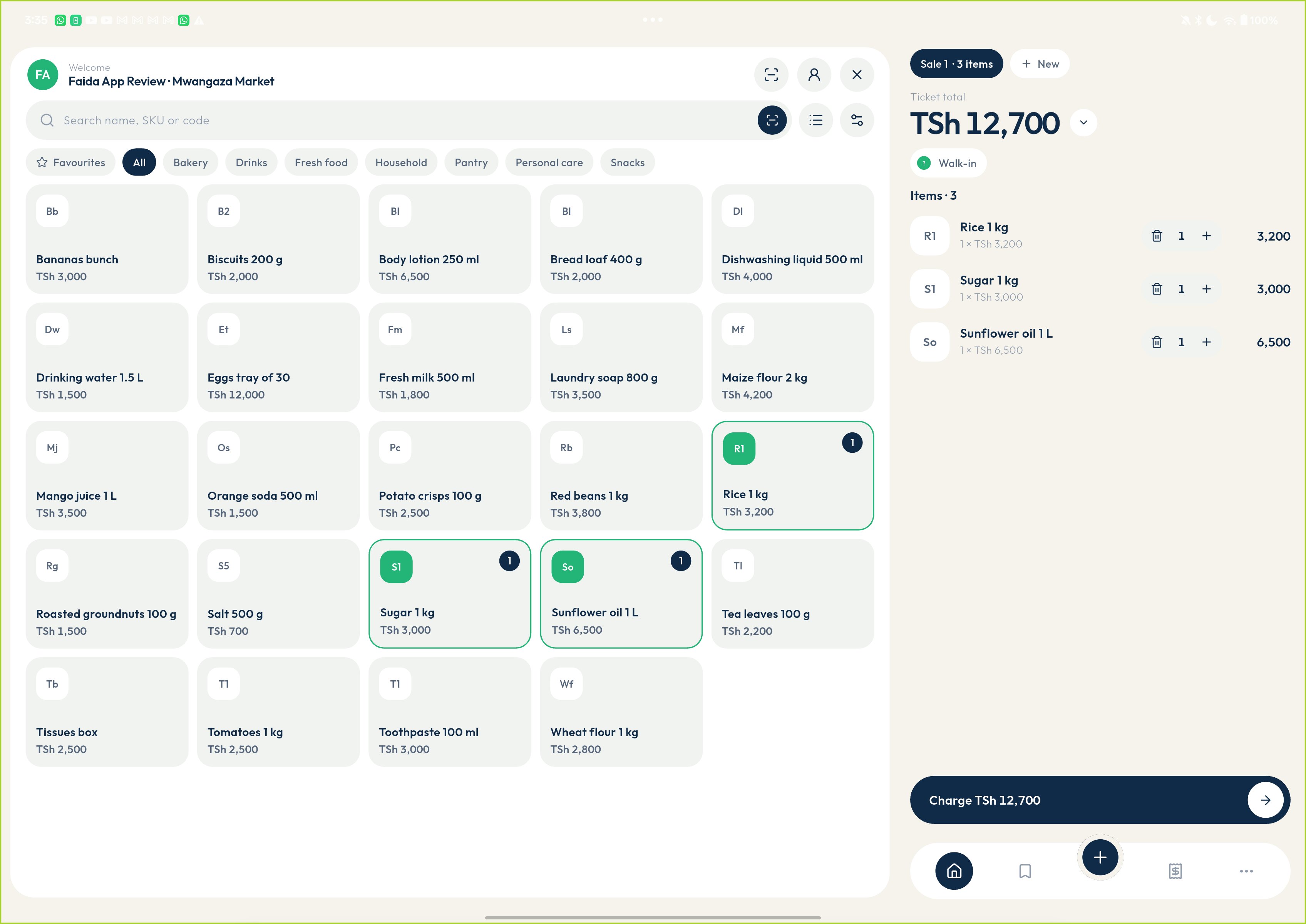
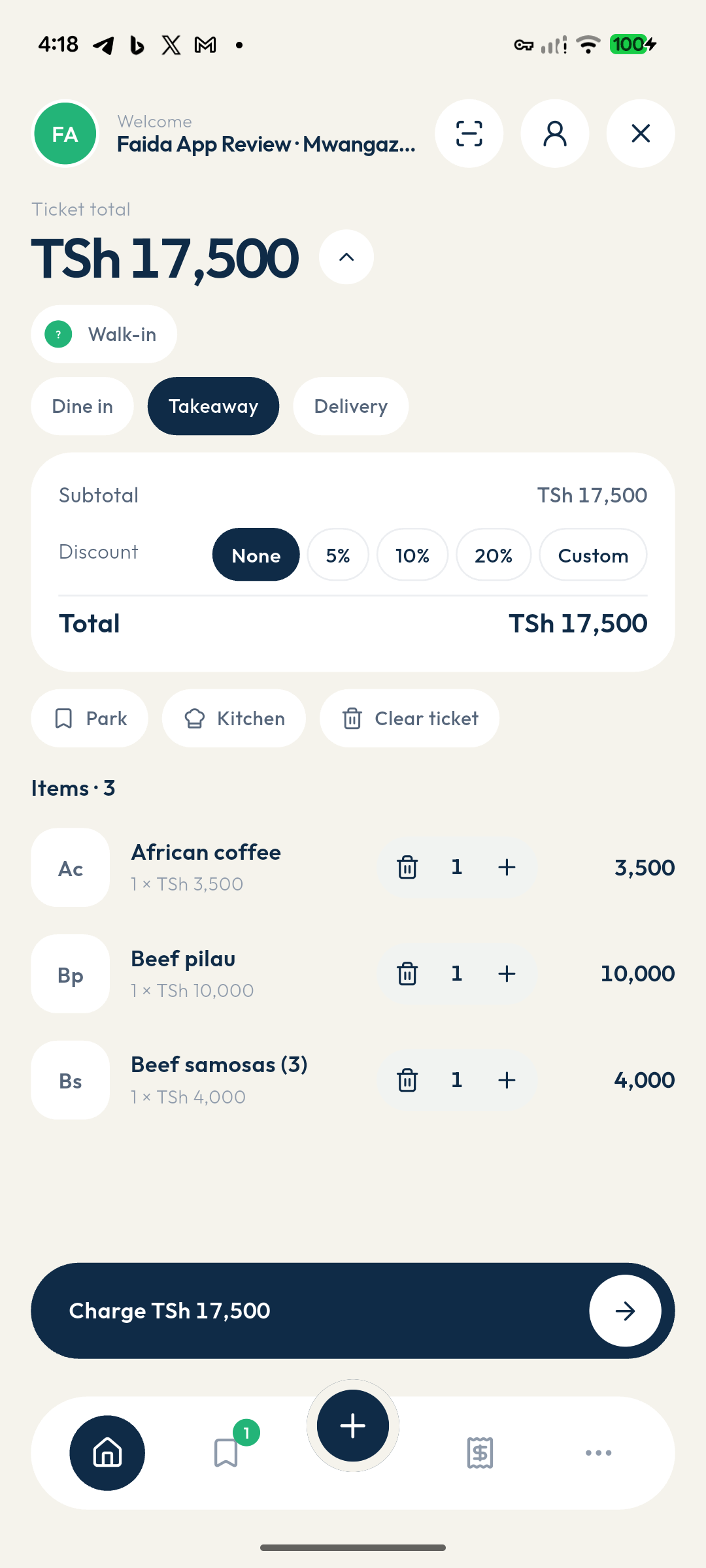
Serve the next customer
Scan or search for a product. Take cash, card, mobile money, or a split payment and issue the receipt.
Keep track of credit sales
Prepare a quote or invoice, record payments as they arrive, and check what each customer still owes.
Know what needs ordering
Check quantities by location, review stock movements, and set reorder levels for the products you need to keep on hand.
Check a supplier delivery
Raise a purchase order and record what actually arrives, including partial deliveries.
Stock & reports
Check the numbers before you close.
Review the day’s sales, compare payment totals, and look into stock differences. Export the records your bookkeeper needs.
Read the closing checklist →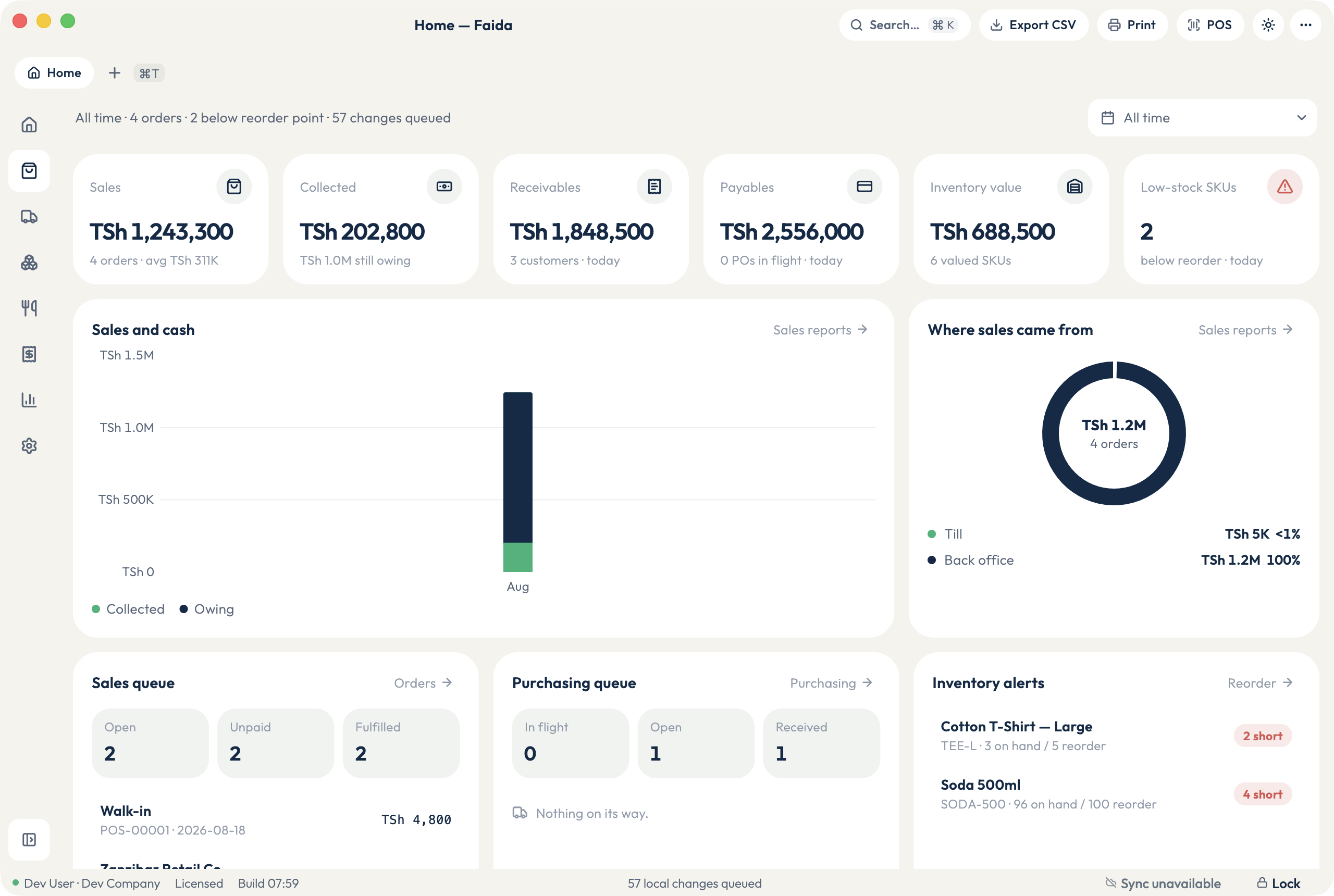
Around the shop
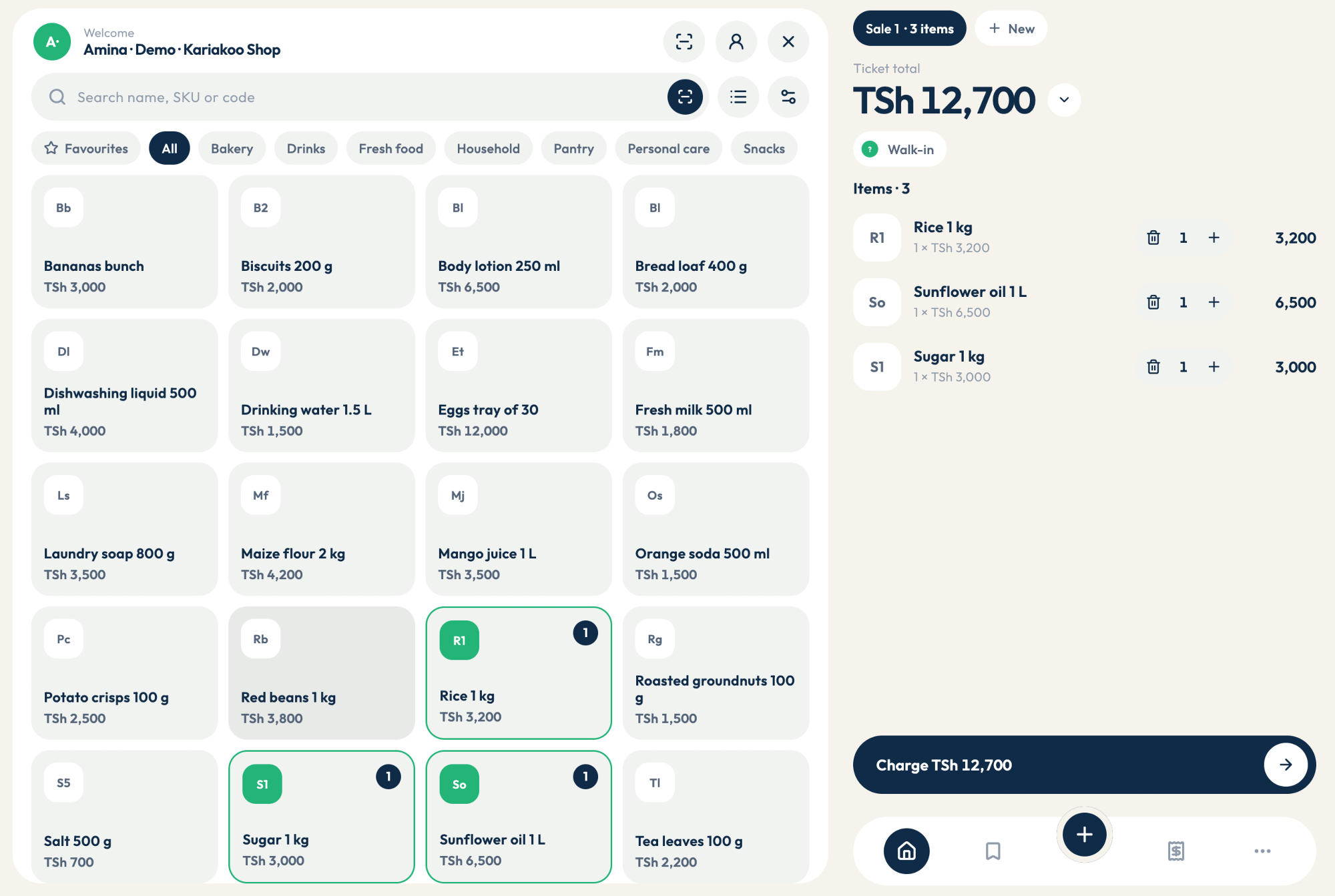
A second till.
The same stock.
Pair an Android tablet with the desktop over your shop Wi-Fi. Use it at another counter or take it onto the floor. Keep the desktop awake and connected while the tablet is in use.
Set up a tablet →Android tablets in early access. iPad support is planned.
Serving food?
From the table
to the kitchen.
Restaurant mode adds a floor plan, kitchen orders, and reservations. Open a bill for the table, send dishes to the kitchen, and settle it at the till when the guests are ready.
See restaurant setup →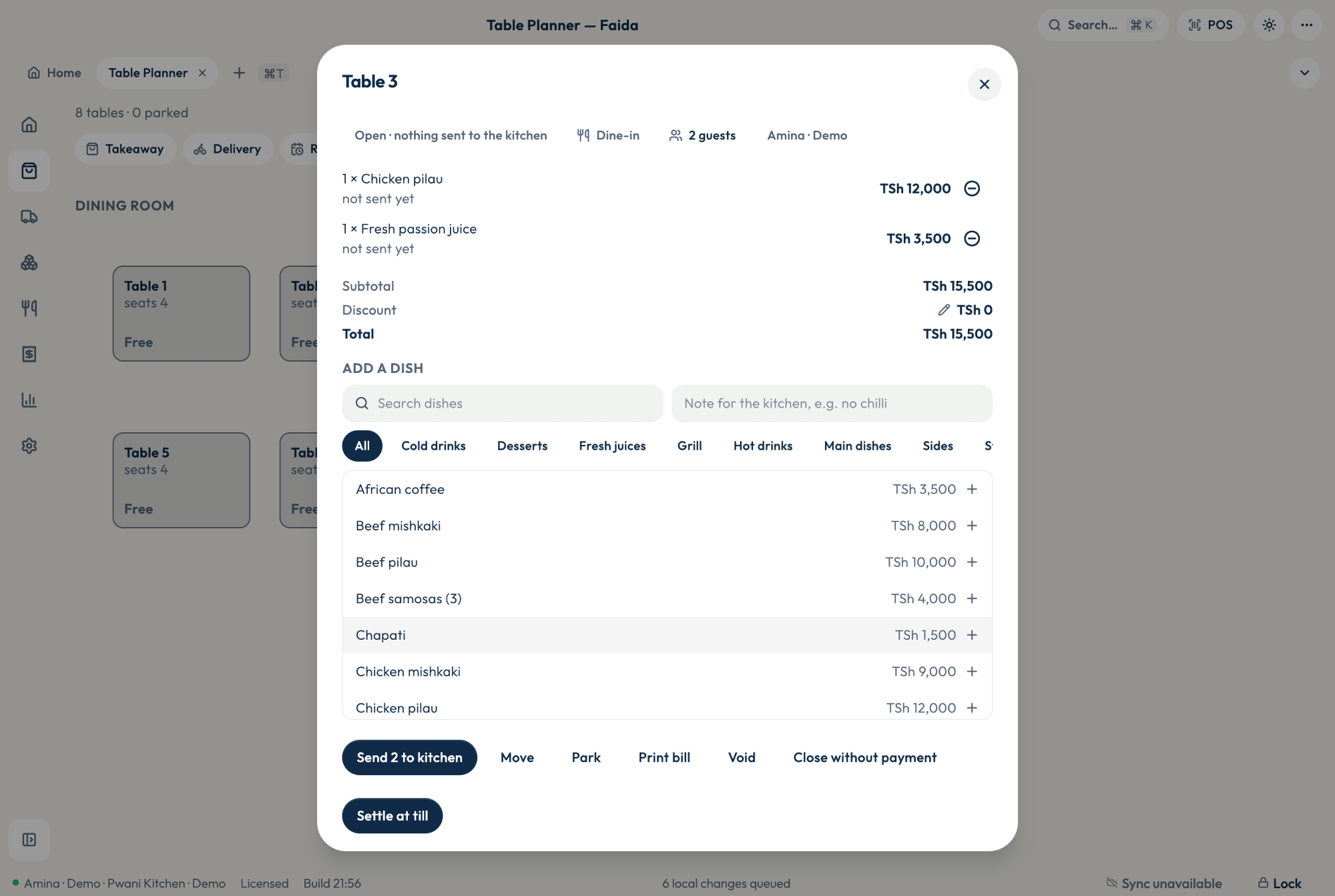
More than one shop
Keep an eye on both shops.
Give each branch its own workspace, with its own tills and stock. With Cloud, check one branch at a time or bring their figures together in a business report.
See branches and devices →
Before you install
Does Faida work without the internet?
Once activated, the desktop can make sales and keep records locally during an internet outage. A paired tablet needs the shop Wi-Fi and main desktop. Cloud sync and backups need internet access.
What does a seat cover?
One seat activates one device for 12 months. See the pricing page for plans and renewal details.
Which plan do I need?
Local includes the desktop app and local backups. Cloud adds sync, off-site backups, and online reports. Both plans support selling on the desktop without an internet connection.
Put Faida on your counter.
Download the app for Windows or macOS. The setup guide walks you through your first workspace and sale.